 English

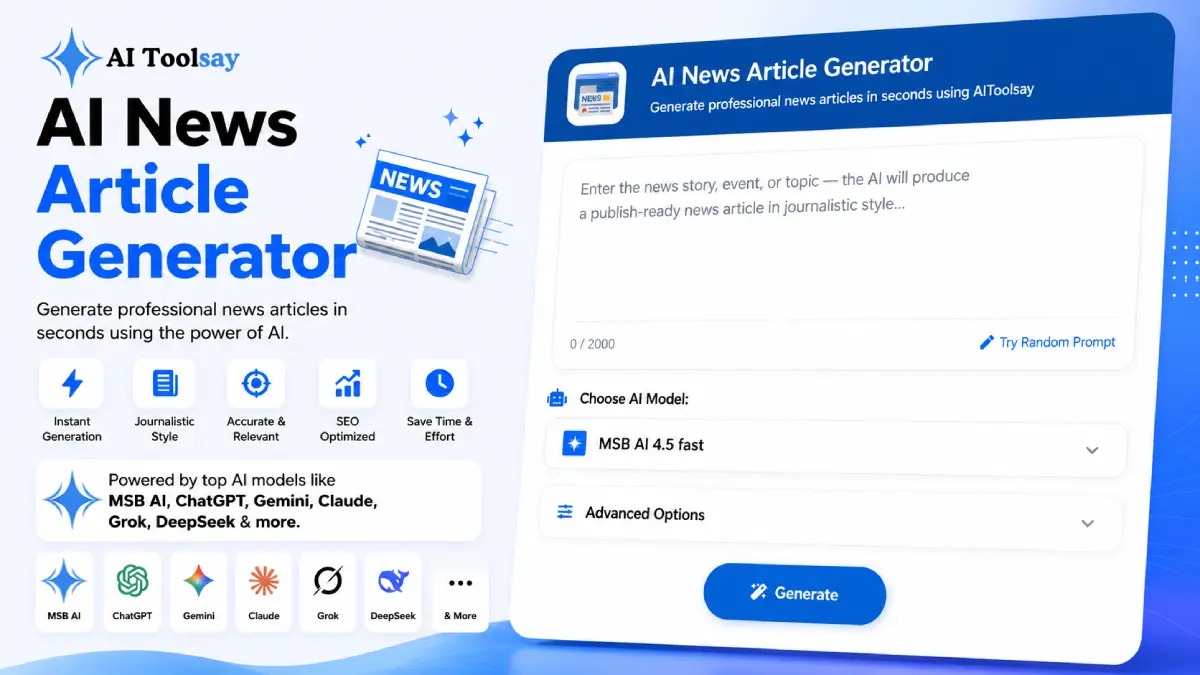
AI News Article Generator
Generate professional news articles in seconds using AIToolsay
 MSB AI 4.5 fast








Your article title will appear here…
Your beautifully formatted article will appear here once you generate.
No history yet
Your generations will appear here. Sign in to save them permanently.






Picture a Tuesday evening. A council decision just landed in your inbox, your readers are already asking about it on social, and you have twenty minutes before you want something live. You know the facts. What you do not have is time to wrestle a blank page into the shape of a proper news story, with the lead in the right place and the tone held steady. That gap, between knowing the news and writing it well, is exactly where the AI News Article Generator earns its keep.
The AI News Article Generator is a free AIToolsay tool that turns a topic or a one line brief into a fully structured news story. You choose the news category, article type, audience, tone, writing style, length, region, and language, and it returns a piece built on real journalistic conventions rather than a loose blog draft.
The Settings That Decide How Your Story Reads
Most people rush past the options and go straight to the topic box. I understand the urge, but the settings are where the real control sits. The article type reshapes the entire piece. The writing style changes the sentence rhythm. Region targeting quietly fixes spelling, currency, and the way institutions are named so a British reader does not feel like a story was written for someone else. Language lets you publish in eight markets with their own journalistic norms intact. Once you treat these as your editorial dials rather than clutter, the output stops feeling generic and starts feeling like it belongs to your publication.
Eight Story Formats
Breaking news, trending, opinion, analysis, interview, press release, feature, and editorial, each with its own structure.
Six Writing Styles
Journalistic, analytical, storytelling, SEO ready, investigative, or simplified, so voice matches intent.
Region Targeting
Global, US, UK, or India, with local spelling and conventions applied automatically.
Eight Languages
Publish in multiple markets, each carrying its own newsroom norms rather than a flat translation.
Matching the Article Type to the Moment
The article type is the one setting I never leave on default. A breaking news alert and a Sunday feature are different animals, and picking the wrong one is why some drafts feel off no matter how you edit them. Here is the quick mental map I use when the clock is running.
| When you have | Choose this type | Because it gives you |
|---|---|---|
| Facts arriving fast, little time | Breaking News | The key fact up top, spare and urgent |
| A pattern worth explaining | Analysis | Evidence first, cause and effect drawn out |
| A stance you want to argue | Opinion or Editorial | A clear position with reasoning behind it |
| A launch or announcement | Press Release | Headline, dateline, quote, and boilerplate |
| A human story with an arc | Feature | Narrative detail and a slower, richer build |
Read your situation first, then pick. The tool will honor the choice and hand back something that already sounds like the format you needed, which means your editing time goes to substance instead of structure.
How I Work Fast Without Cutting Corners
Speed and care are not enemies if you sequence them properly. On a developing story I generate at the short length first, publish the verified core quickly, then regenerate at medium once more detail is confirmed. For a piece running in two markets I run it twice, once for each region, and keep both on file so neither audience reads a version meant for the other. The point is to let the tool carry the structural load while you spend your attention where it counts.
A short brief still produces a full story, but a specific brief produces a better one. Give it the who, the what, and the where in one sentence, and the lead comes back sharper than a vague prompt could ever manage.
What the Tool Cannot Do For You
Structure is the part machines handle beautifully. Truth is not. The generator can build a confident, well ordered story in seconds, but it cannot confirm a quote from a meeting you did not attend or verify a figure you have not checked. Every name, date, and number deserves a second look against a source you trust before the piece goes live. That judgment stays with you, and honestly, that is the part of the job worth keeping.
How do I choose between Breaking News and Analysis for the same event?
Ask what the reader needs right now. If they want to know what happened, use Breaking News and lead with the fact. If they already know the event and want to understand why it matters, switch to Analysis so the piece opens with evidence and works through cause and effect.
When should I set a specific region instead of leaving it on Global?
Choose a specific region whenever your readers sit mostly in one market. US, UK, or India settings adjust spelling, currency, and institutional references so the story reads as native. Keep Global only when your audience is genuinely spread across countries.
Which length is right for a developing story?
Start short. Short lets you publish the verified core within minutes, and you can regenerate at medium or long as facts firm up. Save the long setting for features and analysis where depth is the point, not for a story still in motion.
Journalistic or SEO ready style for a news post that also needs search traffic?
If credibility matters most, stay journalistic and let the structure do the work. If discovery is the priority and the topic is evergreen, pick SEO ready. For a hard news story I lean journalistic first, since trust is what keeps readers coming back.
Your Next Story Is Twenty Minutes Away
You are busy, and a blank page is the slowest part of any deadline. Open the AI News Article Generator, drop in a single sentence, choose your article type, and let the shape of a real news story arrive on the page. From there your time belongs to the facts and the quotes, which is exactly where it should be.
.png)
Join the Newsletter
Get the best new AI tools and tips delivered to your inbox. No spam.
By subscribing you agree to receive emails from AIToolsay. Unsubscribe anytime.