
 English

AI Youtube Title Generator
Create Viral, Click-Worthy YouTube Titles in Seconds
 MSB AI 4.5 fast








Your prompt will appear here…
Your beautifully formatted article will appear here once you generate.
No history yet
Your generations will appear here. Sign in to save them permanently.






Here is something odd about YouTube that took me years to accept. The part of an upload that decides its fate is often the part a creator spends the least time on. People pour hours into filming and editing, then write the title in the final minute before hitting publish, almost as an afterthought. Yet the title is the first thing a viewer reads, and usually the only thing standing between your video and a scroll. I built the AI Youtube Title Generator on AIToolsay because that imbalance quietly costs creators more views than any camera upgrade ever gives them back.
I have spent a long stretch of my life watching what makes people tap on one video and ignore the one next to it. What follows is how I use this tool, what it actually does, and how a nervous beginner can start without overthinking any of it.
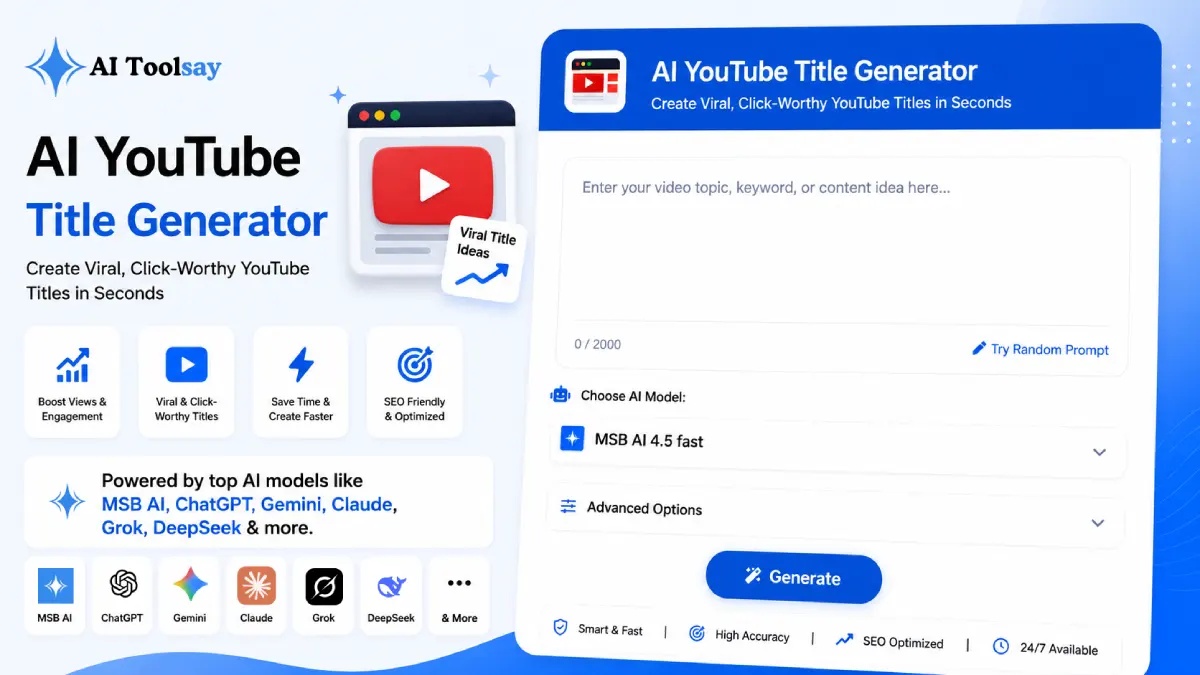
The AI Youtube Title Generator is a free AIToolsay tool that writes ready to post video titles from a few simple inputs. You choose the title type, your niche, the tone, the audience, the length, a hook style, how many titles you want, and the language, then it produces a batch you can compare and pick from in seconds.
The Small Box That Decides Who Ever Watches
Think about how you find videos yourself. You open the app, a wall of thumbnails loads, and your eyes move fast. In that moment your brain is reading maybe half a dozen words per title before it decides. If the meaning of your headline lands only after the fifth or sixth word, the decision has already been made without you. That is the whole game, and it happens on a phone screen where space is tight and titles get cut off mid sentence.
What this tool does well is put the strongest idea first and keep the whole thing short enough to survive on mobile. You feed it your topic and settings, and it returns options that lead with the value instead of burying it. The generator is not guessing in a vacuum either. It shapes the wording around the niche you pick, because the words that hook a gaming audience are not the words that hook a finance audience, and a generic title serves neither.
Every Setting You Can Turn, and Why Each One Matters
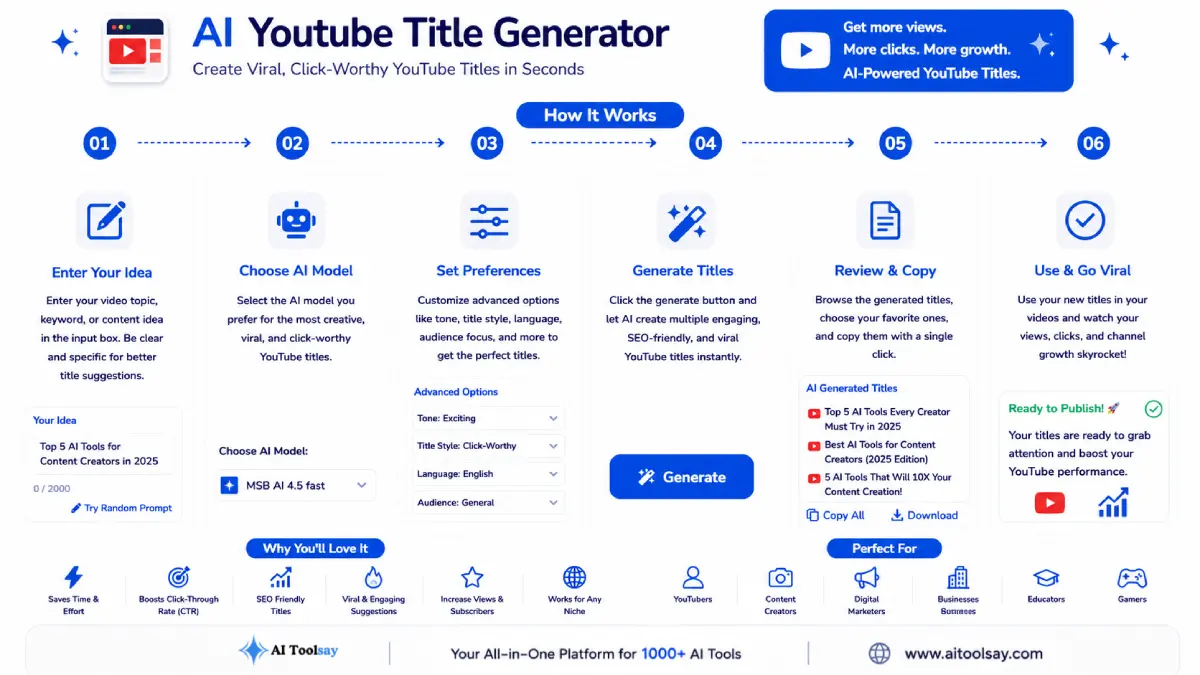
The tool looks simple, but each control changes the output in a real way. The title type sets the overall shape of the headline. You can ask for SEO, clickbait, viral, question, how to, list, review, or tutorial, and each one carries a different promise to the viewer. The hook style then decides the emotional angle underneath that shape. Below is how I think about the hook choices when I sit down to generate a batch.
| Hook Style | What It Does to the Viewer | Good Fit For |
|---|---|---|
| Curiosity | Opens a gap the video has to close | Stories, reveals, experiments |
| Shock | Breaks an expectation the viewer holds | Myth busting, bold takes |
| FOMO | Warns of something they might miss | News, trends, deadlines |
| Problem Solution | Names a pain and offers the fix | Tutorials, how to guides |
| Emotional | Reaches for feeling before logic | Personal, motivational content |
| Fact | States a number that begs for context | Data, reviews, comparisons |
Beyond type and hook, you set the niche from eight options that span technology, gaming, business, finance, fitness, education, travel, and food, so the vocabulary fits the room you are speaking to. Tone and audience nudge the register up or down. Length lets you keep it very short for a Short or give it more room for a context heavy tutorial. Quantity means you can pull one title or a full run to compare. And language support across eight options means you are not stuck writing for English viewers when your audience searches in their own words.
Eight Title Types
From SEO and how to through list, review, tutorial, and viral.
Eight Hook Angles
Curiosity, shock, FOMO, question, emotional, problem solution, and more.
Niche Aware Wording
Eight niches, each with language that suits its own crowd.
Batch Generation
Pull one, five, ten, or fifteen titles in a single run.
Length Control
Very short for Shorts, longer when a topic needs room.
Eight Languages
Optimise titles for the language your audience actually types.
How I Actually Use It Before Every Upload
My routine is boring on purpose. I set the niche and the title type, pick a hook that matches the mood of the video, and generate a batch of ten. I never keep the first one I like. I copy three into a note, read each out loud, and choose the one that makes my own thumb want to move. Reading aloud is the trick most people skip, and it catches the titles that look fine but sound clumsy in your head.
I also rotate my hook styles across uploads on purpose. When every video on a channel leans on curiosity, viewers start to expect it and the pull weakens. Switching between a problem solution title one week and a fact based one the next keeps a subscriber's home feed feeling fresh, and it keeps me from writing the same headline over and over without noticing.
One honest warning. A great title only helps if the video keeps its promise. If the headline hints at a payoff the video never delivers, viewers click, feel let down, and leave early, and that early exit tells the algorithm to stop showing your video. Generate a bold title, then make sure the content earns it. The tool writes the audition, but the video still has to pass it.
Where It Helps and Where Your Judgement Still Rules
No tool replaces the creator who knows their audience. What it does is remove the blank page problem and hand you more good starting points than you would write alone. Here is my honest read after a lot of use.
What It Does Beautifully
- Kills the blank page and hands you real options fast
- Eight title types paired with eight hook angles
- Wording tuned to your exact niche
- Up to fifteen titles for easy side by side testing
- Free, with no subscription in the way
What Still Falls to You
- Matching the title to what the video truly delivers
- Choosing which option fits your brand voice
- Retiring trend phrases before they go stale
A title is not the label on the box. It is the promise you make before anyone has a reason to trust you, so make one you can keep and phrase it so it lands in two seconds.
Sabir Bepari, Founder of AIToolsay
Questions Beginners Ask Me First
I have never used this before, where do I even start?
Open the tool, type your video topic, pick your niche, and leave the other settings on their defaults for your first try. Generate a small batch, read the options, and you will get a feel for the controls in a couple of minutes without needing to understand every setting up front.
Do I need to fill in every single option?
No. The niche and the title type carry most of the weight. The rest, like tone, audience, and hook style, are there to refine the output once you have a sense of what you want. Start with the basics and adjust from there.
How many titles should I generate the first time?
Ask for ten. One is not enough to compare, and fifteen can feel overwhelming when you are new. Ten gives you enough variety to spot a strong option without drowning in choices.
Is there a cost or a sign up wall before I can try it?
You can generate titles for free with no subscription. It is meant to be something you reach for on every upload, so there is nothing standing between you and your first batch.
Can I use it for a YouTube Short and not just long videos?
Yes. Set the length to very short and lean toward a curiosity hook. Attention on Shorts moves even faster than on standard videos, so a tight, front loaded title does most of the work.
Try One Title on Your Very Next Video
You do not need a strategy to begin. Pick the next video you are about to upload, open the AI Youtube Title Generator, and generate ten titles for it just this once. Read them aloud, choose the one your thumb wants to tap, and post it. That single small habit, repeated across your uploads, is the quiet difference between a channel that drifts and one that climbs.
.png)
Join the Newsletter
Get the best new AI tools and tips delivered to your inbox. No spam.
By subscribing you agree to receive emails from AIToolsay. Unsubscribe anytime.